
The Top Ten Accessible Web Design Trends for 2026

The trends our NewCity designers, UXers, information architects, content strategists and technology experts are working with this year in our accessible project work.
Brand Fluency First
UI Design Systems
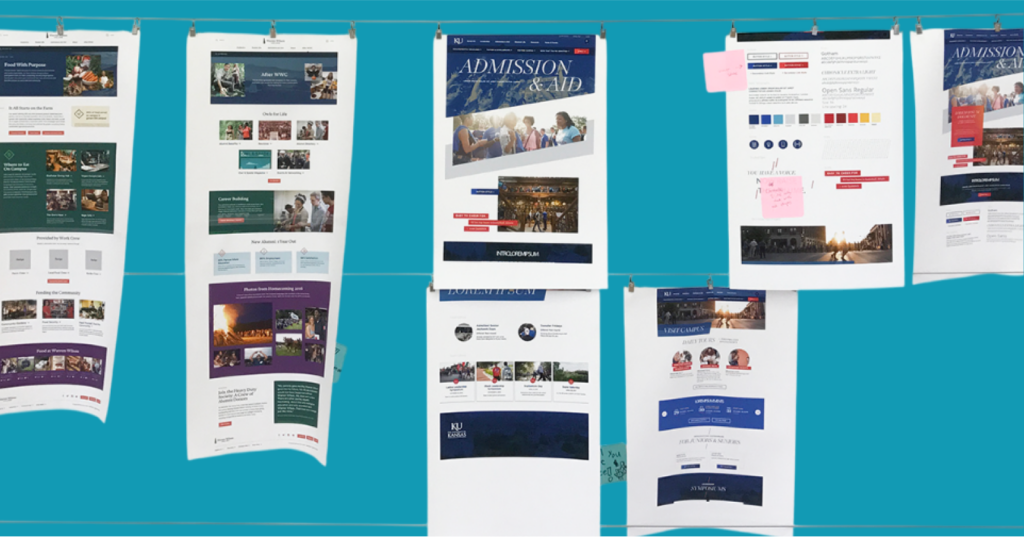
All websites, regardless of size, are made up of common elements. Some pieces are small (think buttons or headers) and some pieces are big (image galleries or news feeds). A design system organizes these common elements into reusable patterns that can be combined to make any page or interface you need.
Master Design Systems: 3 steps to building your component storefront in WordPress
Design systems may be the powerhouse behind your brand’s visual identity, but storefronts serve as the ultimate playground for editors, letting them discover the perfect components for their digital experiences. And with WordPress’ Gutenberg editor, you’ll find that creating your own storefront is not just a distant dream, but a three-step reality.
Teach Editors How to Use a Design System
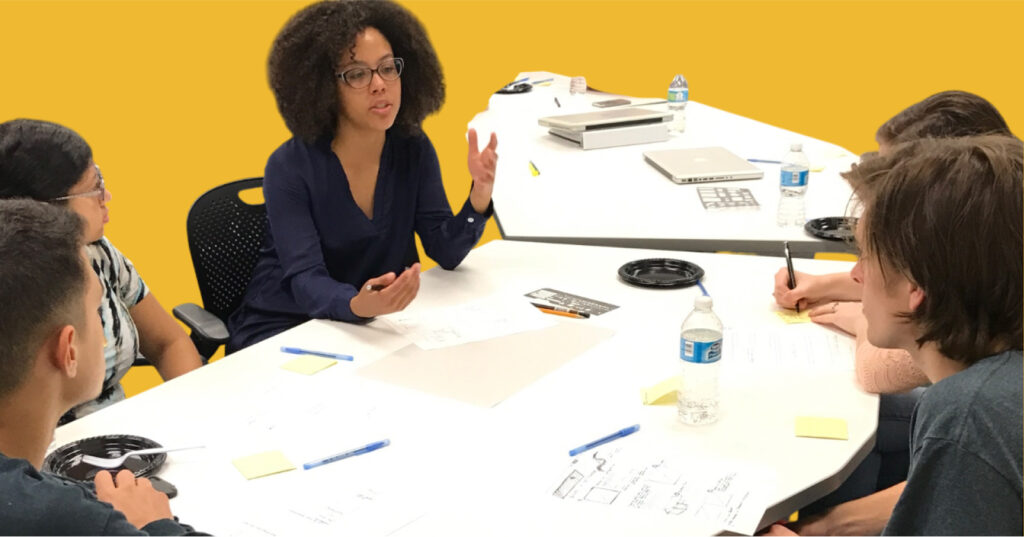
When organizations move from a template-based website to a design system-based site, content editors gain the flexibility to build new layouts to suit their needs. But it’s a very different way to think about content creation, since you can now stack and combine layout components like Lego™ blocks. Editors used to having one big WYSIWYG […]
Accessibility in the Design Process (Color)

What is accessibility? In web and application design, accessibility means how many people can use your interface. Design trends and standards can make it sleeker, cooler, easier, or harder to use, but every design choice has an impact on the whole system’s usability — and some choices can exclude entire categories of people from accessing […]